Pratilipi: Notification section redesign
Elevating the UX of the update section by decreasing the time in user's decision making.
Role
Product Designer
Industry
Books & Storytelling
Duration
2 weeks
Context:
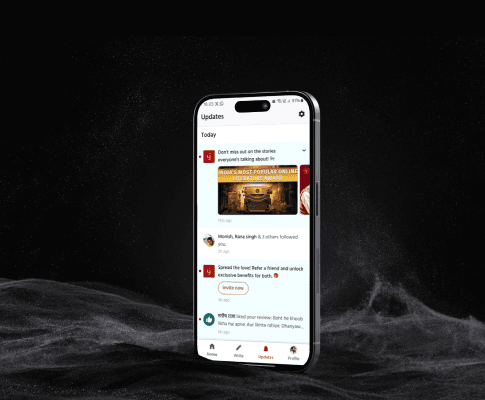
Users had to scroll a lot through numerous types of notifications to find the one’s they want to interact w/. This process took time.
User Stories:
As a user (writer/reader) I want to: Differentiate notifications in a quick scan. So that I don’t miss out any (review/content) notifications.
As a User I don’t want to: Scroll a lot through update section. As it increases user effort, clutters the update section.
As a writer I want to: Know details about events hosted by Pratilipi. So that I can build content, audience & win prizes along the way.
Because update section gets the most engagement after home... Pratilipi wants to: Use this opportunity To increase their revenue by nudging users towards Pratilipi premium or referring friends.
Core Pain points:
A lot of scrolliinnnggggg
Hard to skim & caused confusion
Increase in decision making time
Objective:
To create better user experience for writers & readers by decreasing the time in users decision making.
Competitive Analysis & Visual design:
Through competitive analysis I discovered few interesting patterns like:
1. Use of copy in notification
2. Design elements like shapes, colors & icons for differentiation
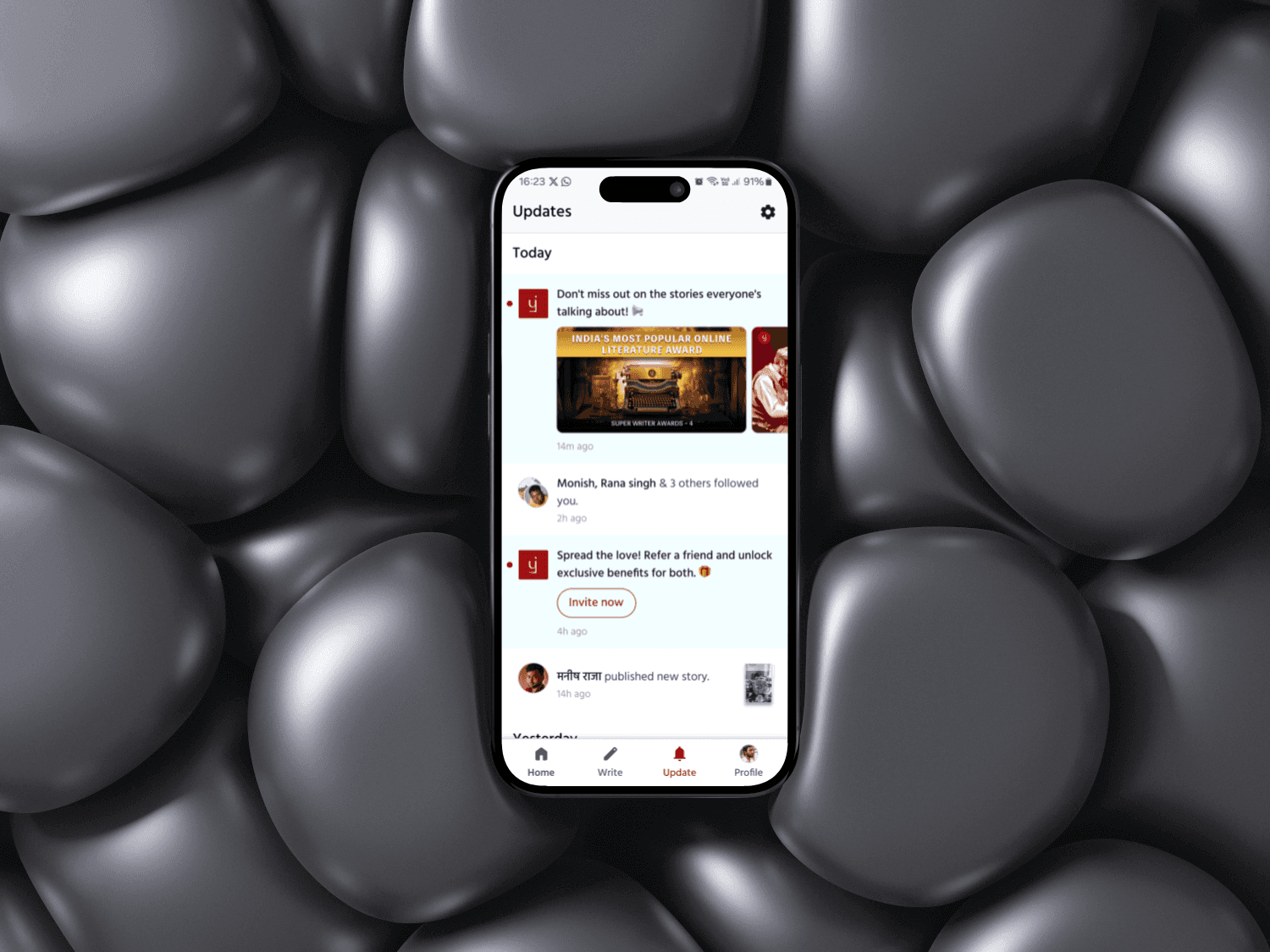
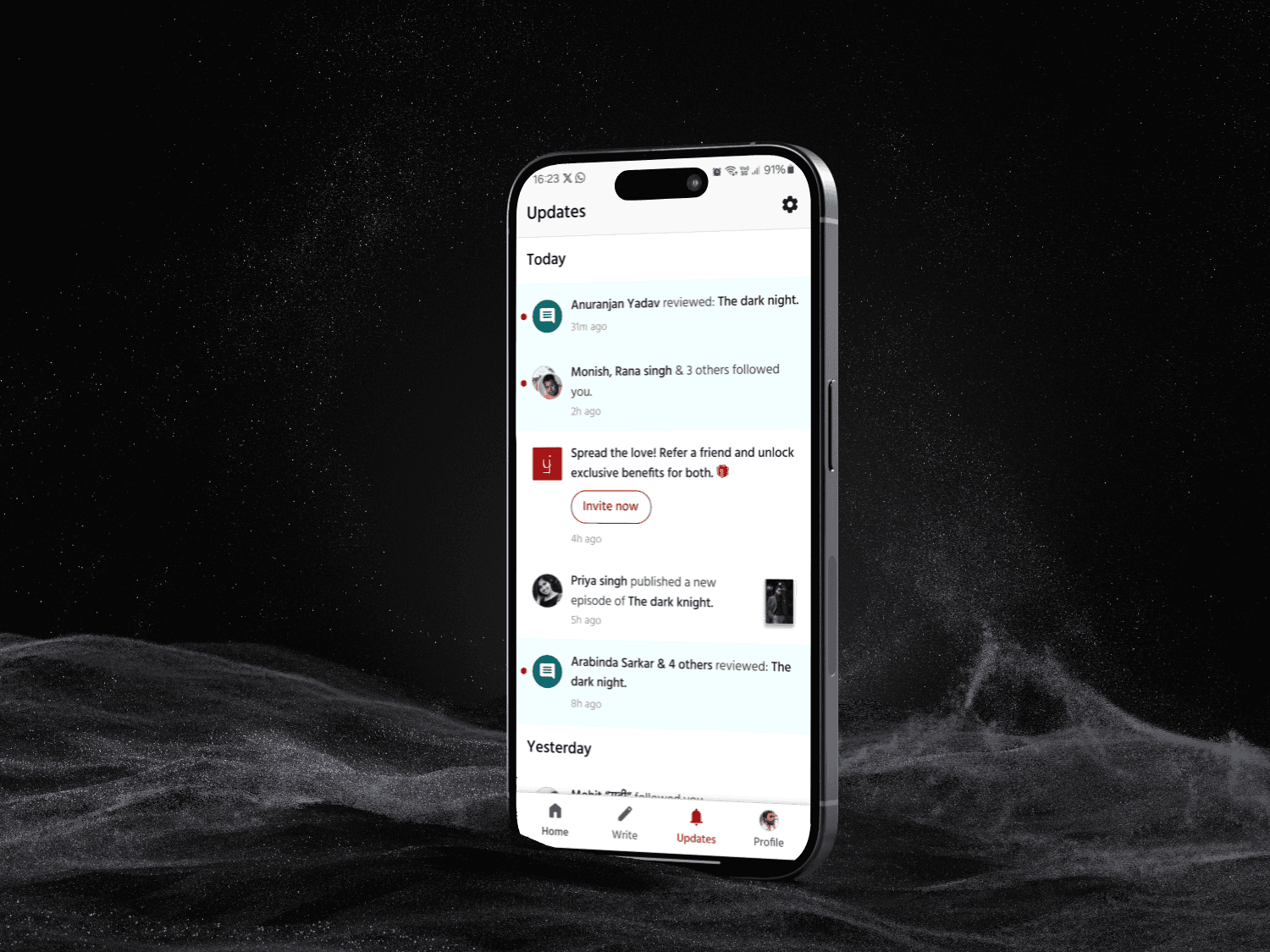
Based on which I went ahead & started visual design process & below are the final results for the same.
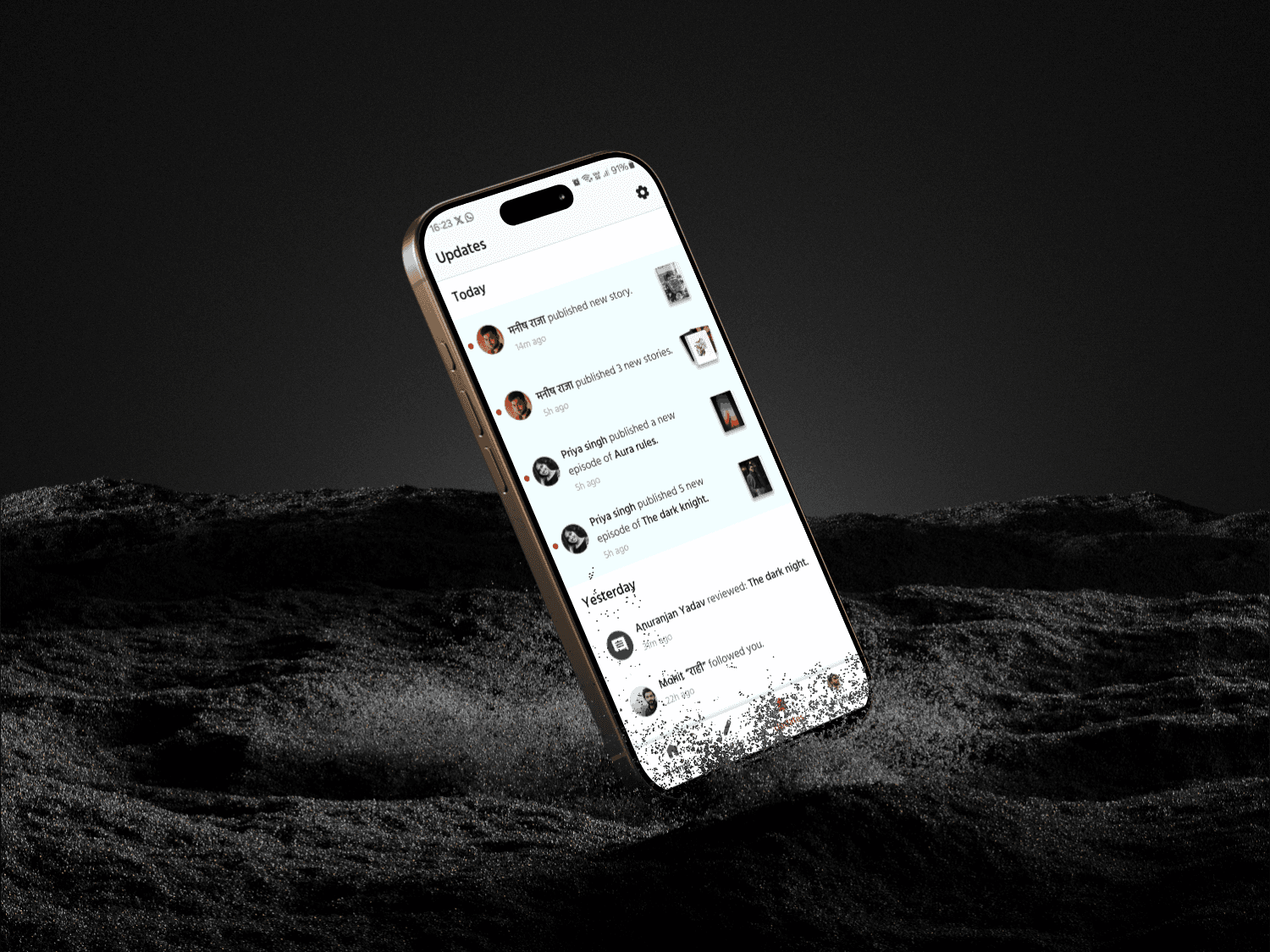
Potential Business Impact:
Because of redesign we can safely say that it will be easy for users to skim through different types of notifications & decide quickly on which notification to interact with, due to which:
Engagement with notification will increase - Higher content discoverability - Improve content recognition performance - Increase retention.